Support Page
Activate
Activate Magnetron.APP on macOS and Windows to unlock all features
Magnetron can be used for free without a license, with access to a limited set of recipes and functions.
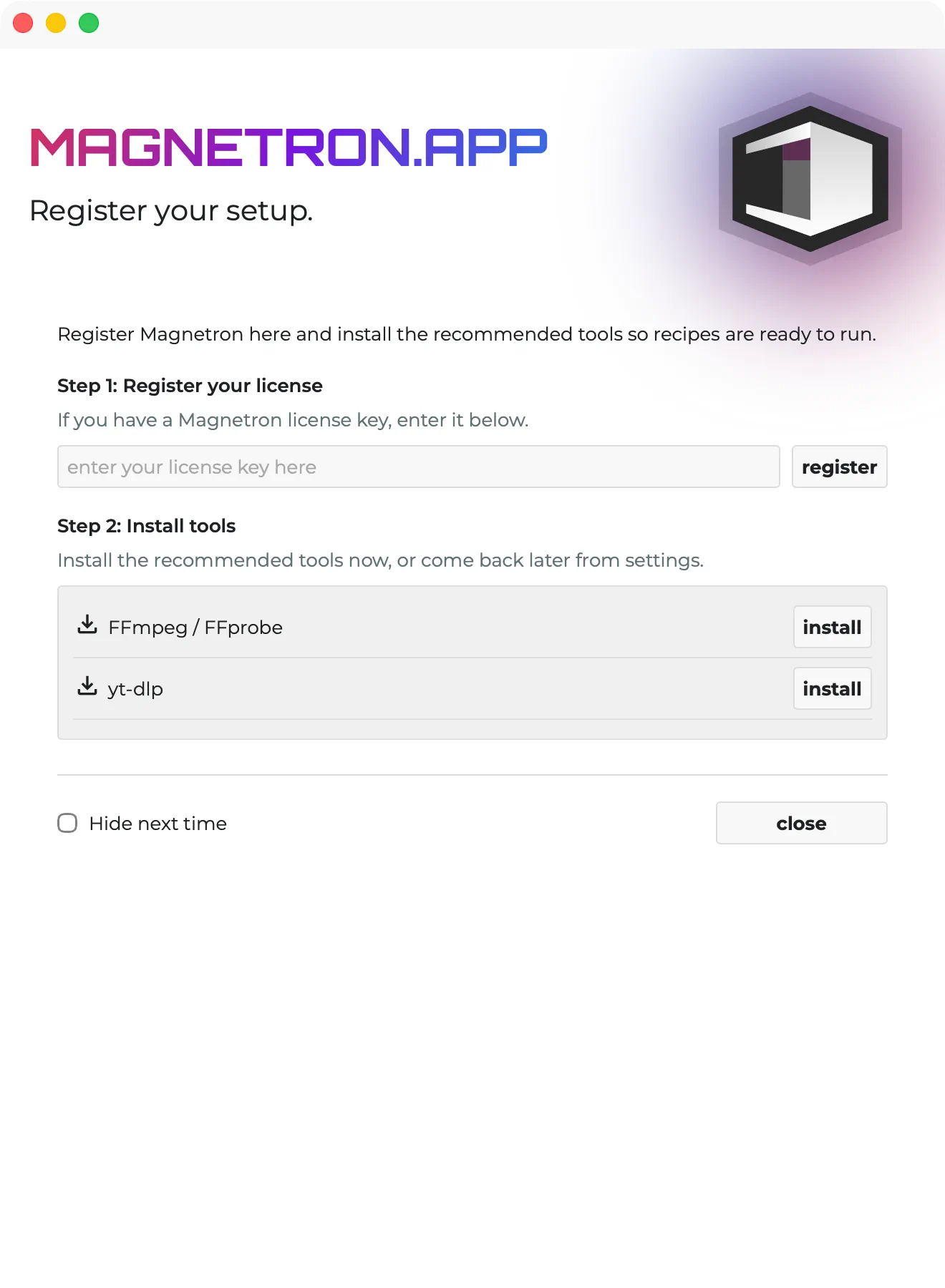
To unlock all features and recipes, you can enter a license. When you start MagnetronApp for the first time, you’ll see a welcome screen where step 1 allows you to enter your license right away.
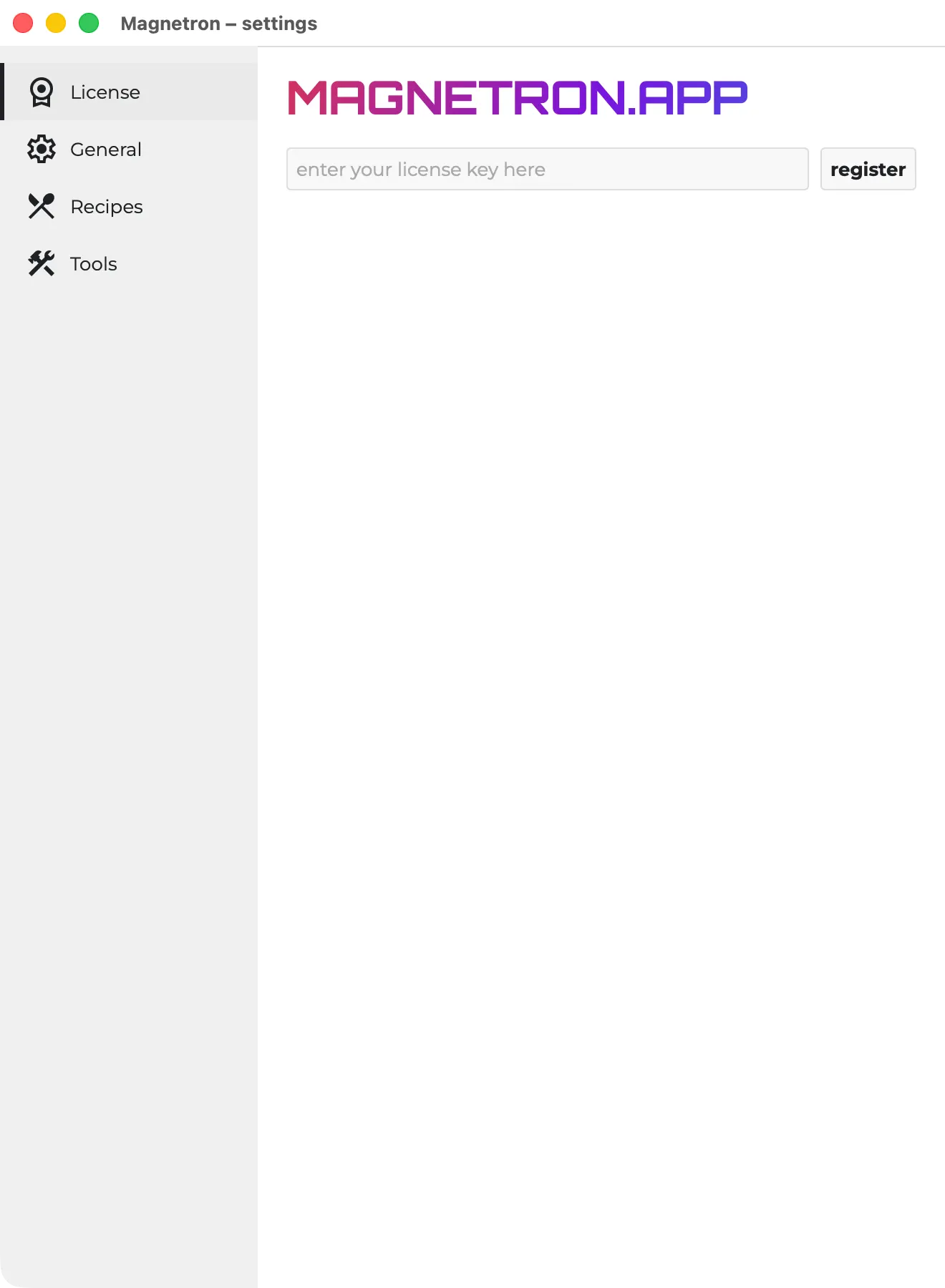
If you don’t see the welcome screen (for example, if you disabled “Show welcome message on startup” in the settings), you can also click the cogwheel in the top-right corner and select License. There, you’ll find a field to enter your license and register the app.
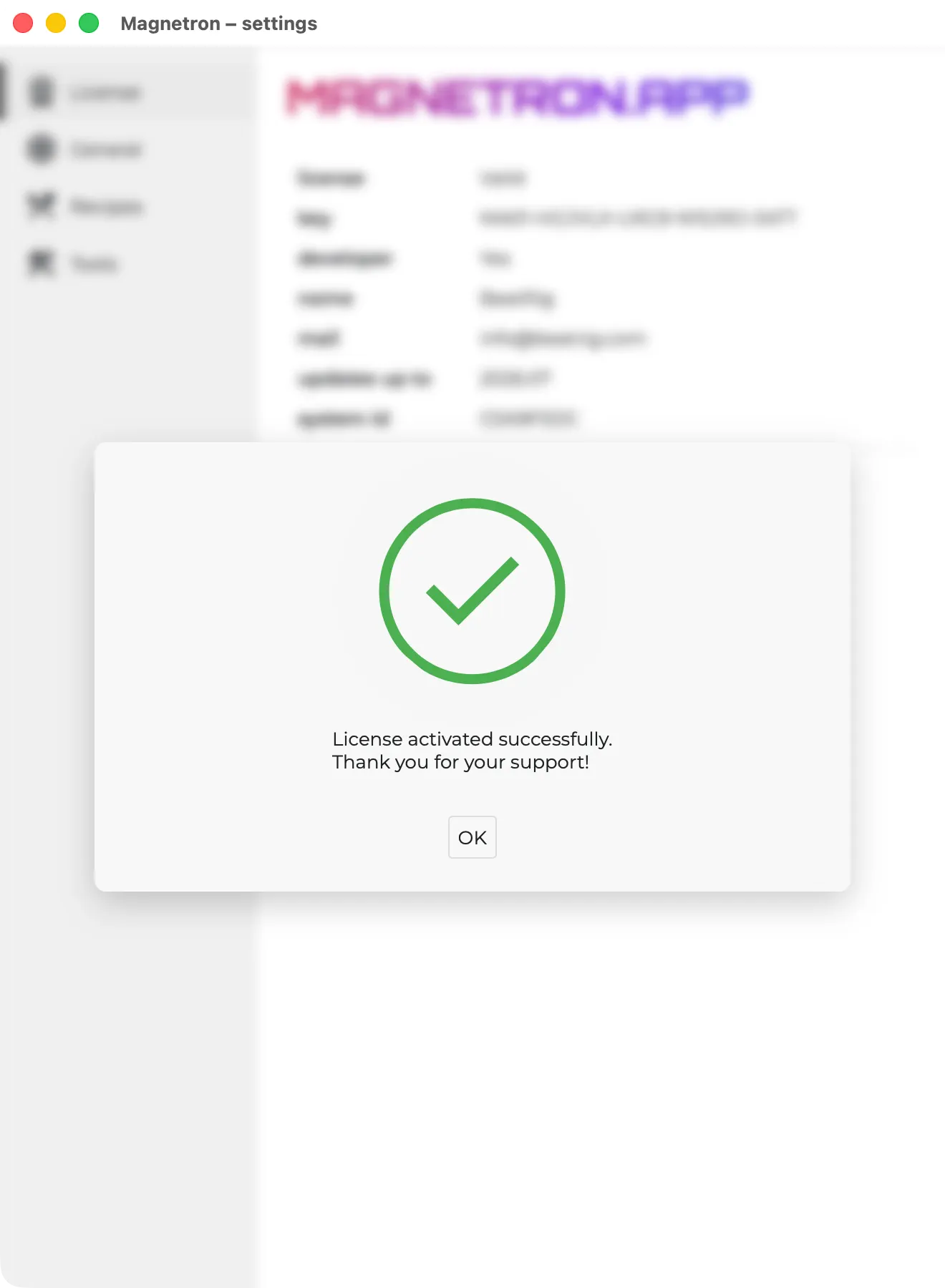
You will receive a confirmation if the activation is successful
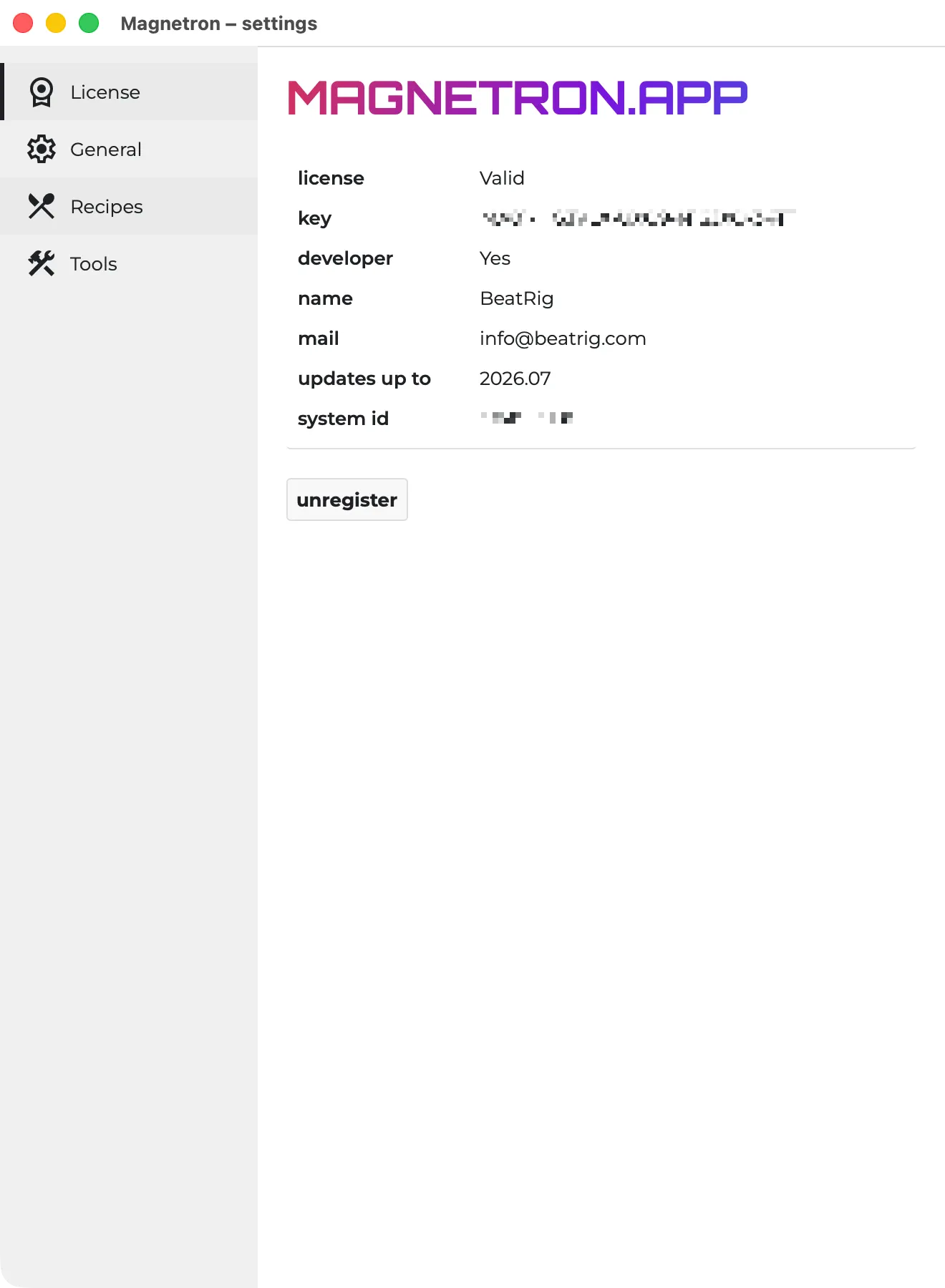
You can always check your license state in the settings