Support Page
Speed up your workflow
Speed up your workflow with these 4 tricks.
Drag and drop files onto the app icon
You don’t need to open the app to add files. Just drag them onto the app icon — Magnetron will launch automatically if it isn’t already running.
If the app is already open and a recipe is selected, the files will be added directly to that recipe.
If no recipe is selected, Magnetron will hold onto the files until you choose one, then add them automatically.

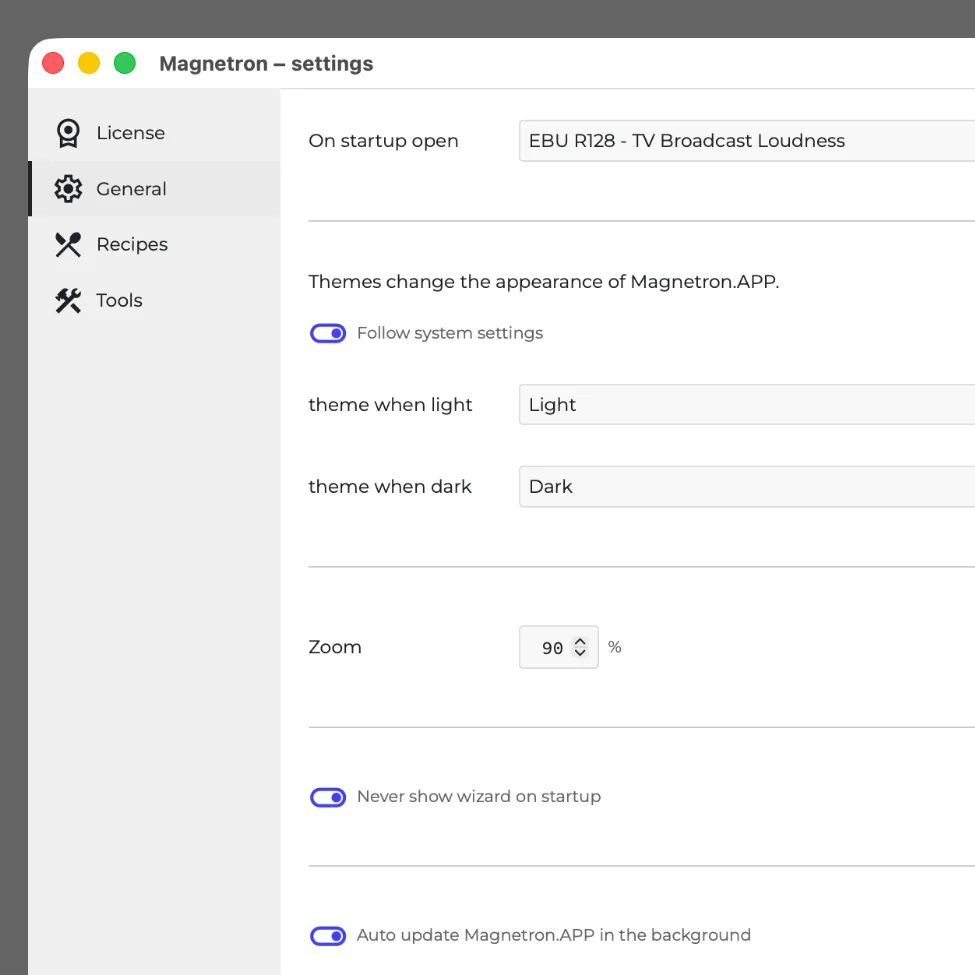
Open a recipe on startup
If you frequently use a specific recipe, you can set it as your startup recipe.
Magnetron will skip the recipe list and open it directly when the app launches.
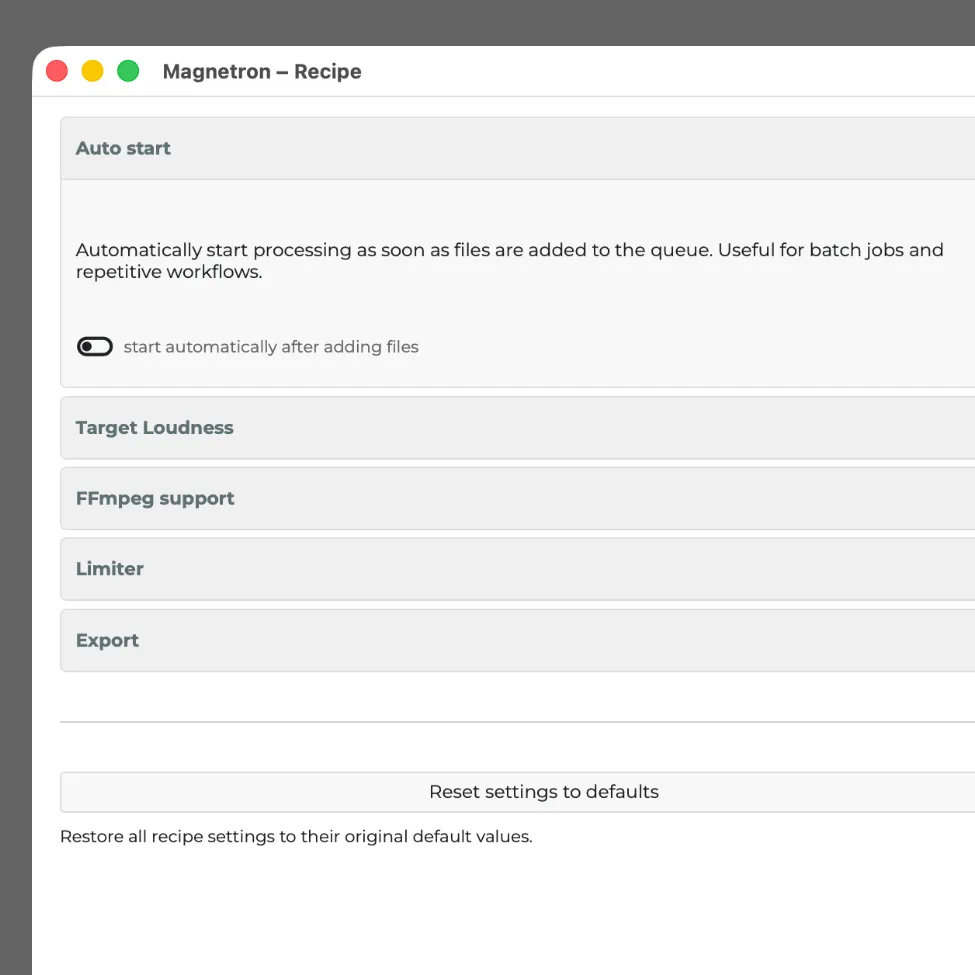
Automatically start a recipe after adding files
Some recipes can start automatically after files are added, so you don’t need to press the start button.
This only works for recipes that don’t require additional input.
You can enable this option in the recipe settings under “Auto start.”
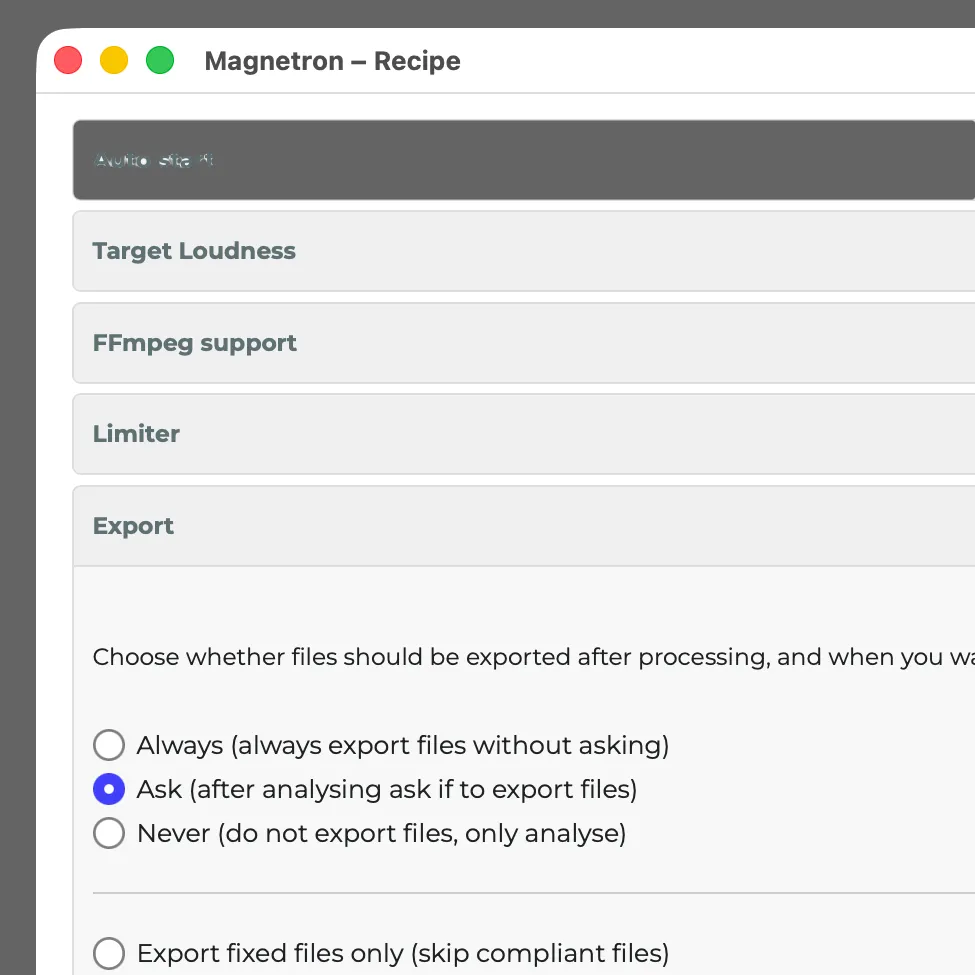
Auto export
Every recipe is built differently. Some export immediately by design, while others first analyze your files and may ask for adjustments.
For those recipes, there’s often a setting to skip the analysis step and export directly.