Recipe
Netflix - Streaming Loudness
Validate or fix a file to match the online streaming loudness standard used by Netflix Online Streaming
Netflix - Streaming Loudness is tuned for streaming masters that need to be checked against the Netflix-focused recipe profile before delivery. It gives you a ready-made Magnetron profile for checking incoming files, deciding whether they actually need correction, and exporting results in a repeatable way when they do.
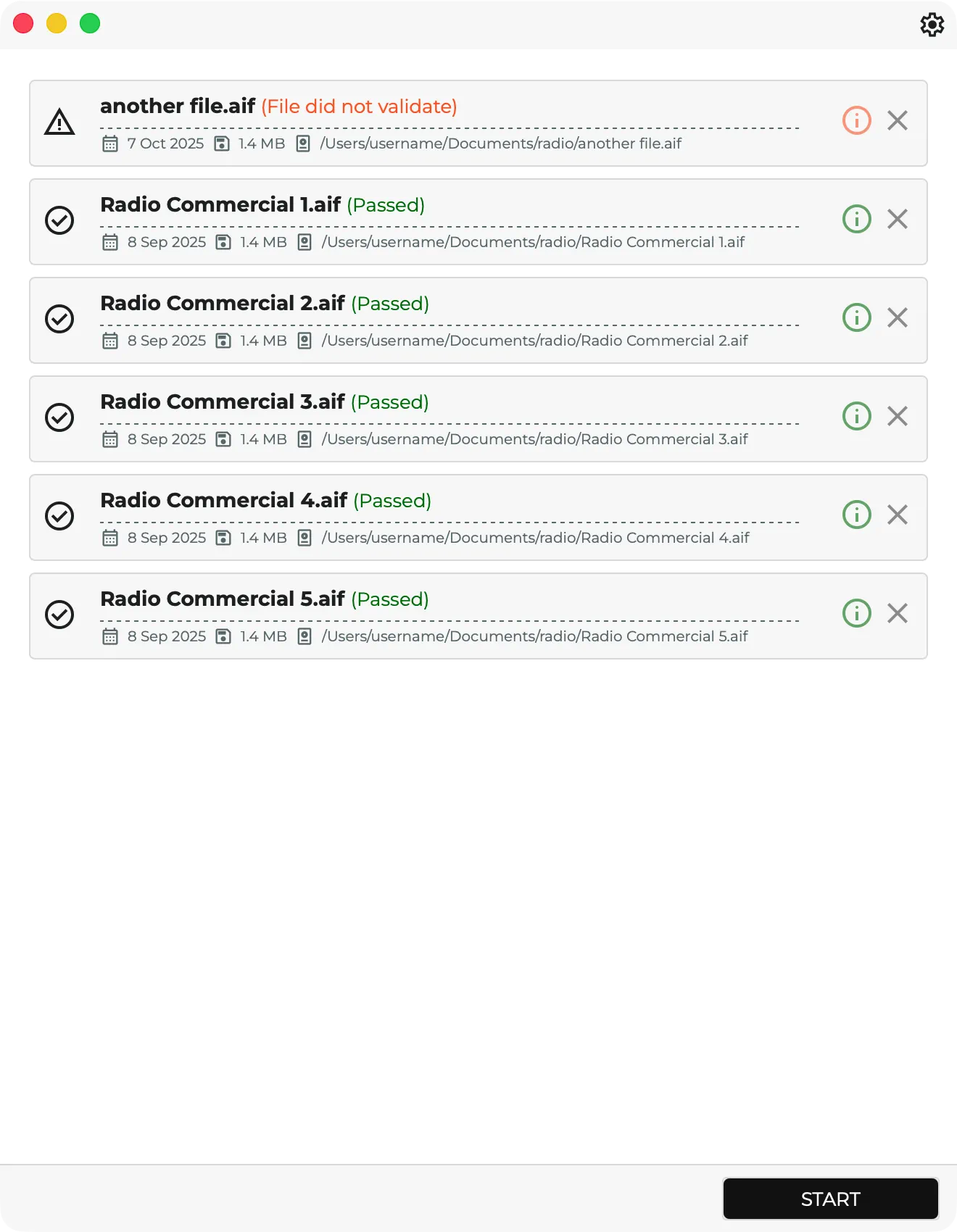
- Validate files against the recipe's built-in target of -27 LKFS / dialog-gated loudness, with a 2.0 LU tolerance and a -2 dBTP ceiling.
- Correct files that fall outside the recipe profile without rebuilding the workflow by hand.
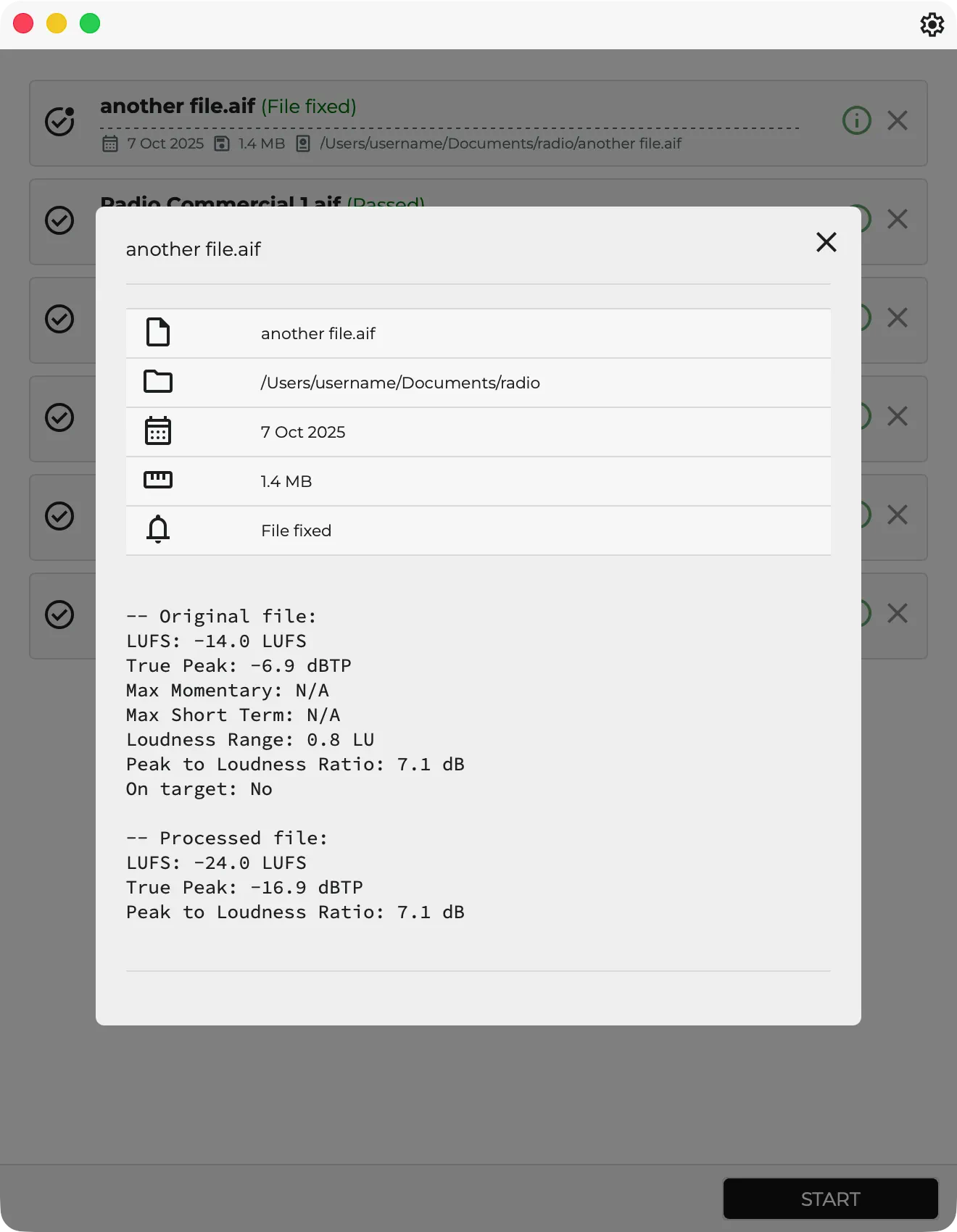
- Re-measure processed output so you can confirm the delivered file really landed where expected.
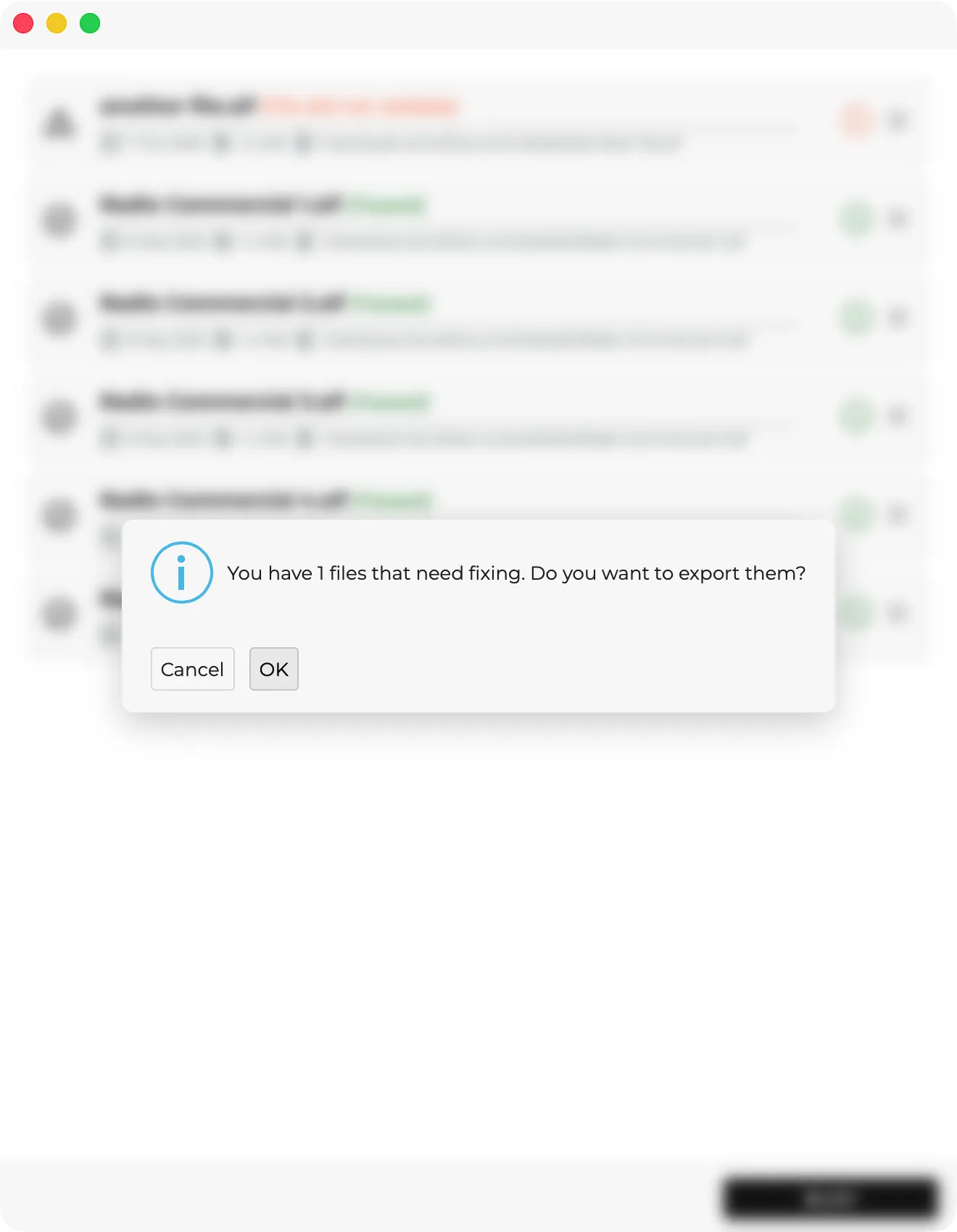
- Export all files or fixed files only, with optional folder and naming rules for batch delivery.
The recipe separates spec validation from processing tolerance. The built-in loudness profile defines what the target looks like, while the editable process tolerance decides how far a file may drift before Magnetron actually processes it. That makes the recipe practical in real work: strict enough to catch delivery risks, flexible enough to avoid unnecessary rewrites.
Native audio files such as WAV and AIFF remain the preferred path because Magnetron can analyze, process, and revalidate them more predictably. Optional FFmpeg support extends the recipe to additional audio and container formats, but encoded files can require decode and re-encode steps, which may slightly change metadata, timing, or codec details after export.
Built-in Target
- Integrated loudness: -27 LKFS / dialog-gated loudness
- Allowed tolerance: 2.0 LU
- True peak ceiling: -2 dBTP
- Dialog-gated analysis: enabled
Workflow
- Analyze source files against the recipe profile
- Decide whether processing is needed based on the configured process tolerance
- Optionally apply limiting when the required gain change would otherwise clip
- Export all files or fixed files only
- Revalidate the output after processing for an extra confidence pass
Settings
- Auto start
- Process Tolerance
- FFmpeg support for additional formats
- Limiter: none, fast sample-peak, secure true-peak
- Export: always, ask, never
- Files: all files or fixed files only
- Overwrite
- Custom Folder, Sub Folder, Name Tag
- Revalidate
That makes Netflix - Streaming Loudness a strong fit when you repeatedly deliver to the same target and want the target, export rules, and QC behavior ready to go every time.
Screenshots
Recipe screenshots